An inverter gives your home backup power during outages. But a poorly installed inverter can overheat, damage appliances or even create a fire risk. Planning matters.
Step 1: Decide what to back up
List the appliances you want running during an outage: lights, fans, Wi-Fi router, TV, laptop, fridge. Heavy loads like geysers and air conditioners need a much larger system, so most homes back up essential circuits only.
Step 2: Size the inverter correctly
Add up the wattage of the appliances you want to run together and leave a safety margin. Motor loads such as fridges and pumps draw extra current when starting, so check the inverter can handle that surge.
Step 3: Choose the battery
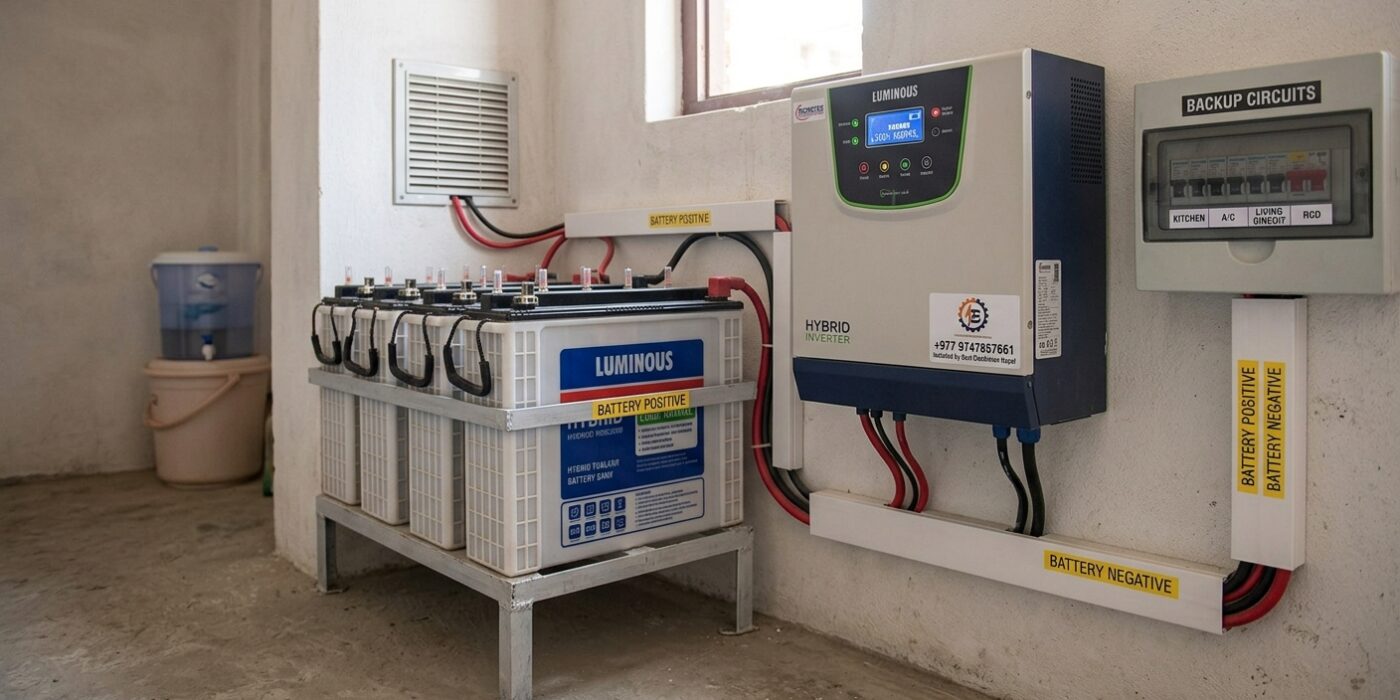
Battery capacity decides how long backup lasts. Consider capacity, lifespan, maintenance needs and ventilation. Batteries should be placed in a dry, ventilated area away from heat.
Step 4: Use a separate backup circuit
The best setup connects only essential circuits to the inverter through a changeover or dedicated backup DB. This avoids overloading the inverter and keeps the wiring clean.
Step 5: Cable size, protection and earthing
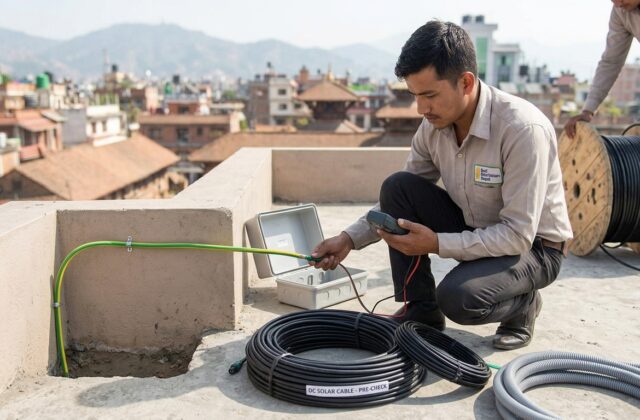
Use correctly rated cables, suitable MCBs and proper earthing for both the inverter and battery bank.
Common mistakes
- Connecting the inverter output directly into house sockets without proper changeover
- Using undersized cables
- Installing batteries in closed, hot spaces
- Skipping earthing
Our electricians handle inverter installation and generator electrical services for homes and businesses.